
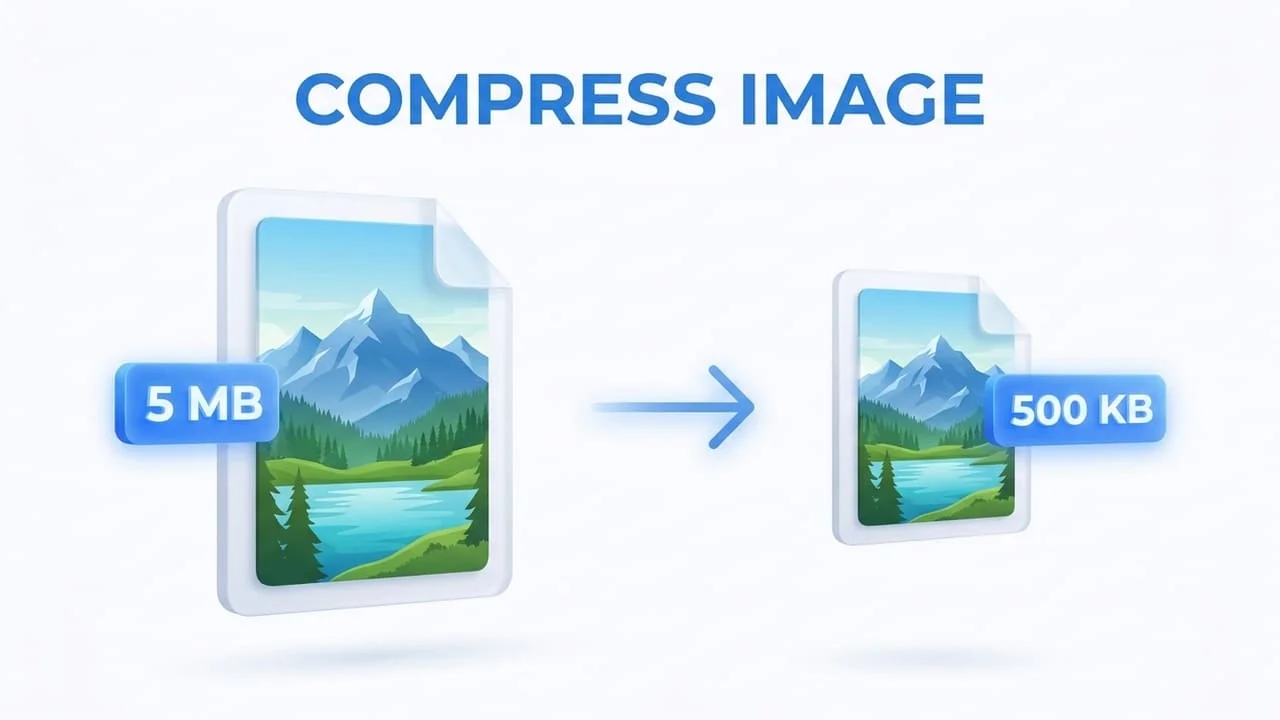
Why Huge Image Files Are Quietly Ruining Your Website
Website speed is highly essential for maintaining user engagement and securing a top spot on search engine results pages. Massive unoptimized images are the biggest threat to this performance because they force browsers to download heavy data before displaying any meaningful content. When a visitor experiences slow loading times they are incredibly likely to abandon your site and look for faster alternatives. Compressing your images properly prevents this massive issue by instantly dropping the file size without visibly harming the final picture quality. This process is the ultimate foundation for creating a fast and responsive digital experience.
The Magic Behind Image Compression
Image compression is a mathematical process designed to represent a photo using the absolute smallest number of bytes possible. It operates by carefully scanning the visual data and finding smart ways to organize the pixel information more efficiently. This means that a gigantic photo from a modern camera can be shrunken down significantly to ensure it loads quickly on any device. The entire purpose of this technology is to find the perfect balance between keeping the file size incredibly tiny while making sure the image still looks sharp and professional to the human eye.
The Truth About Lossy Compression
Lossy compression is the industry standard technique for dealing with everyday web photographs and large visual banners. The concept works by permanently deleting hidden color data that the human eye simply cannot distinguish anyway. This aggressive approach allows the file size to drop by massive amounts ranging anywhere from sixty to ninety percent of the original weight. Formats like JPG rely entirely on this method to deliver outstanding speed without making the picture look blurry or pixelated to your audience.
When to Rely on Lossless Compression
Lossless compression takes a completely different path by strictly refusing to delete any visual pixel data from the file. It only reorganizes the underlying data structure and removes invisible metadata like camera settings or location tags. This guarantees that your image maintains perfect clarity which is highly crucial for things like business logos or graphics containing sharp text elements. While the file size reduction is generally smaller compared to lossy methods it remains the only acceptable choice when visual perfection is strictly required.
Picking the Right Format for Your Needs
Choosing the correct file format is just as important as the compression process itself because different formats serve completely different purposes. You should always pick JPG for standard photography because it handles complex colors brilliantly while keeping the file lightweight. On the other hand PNG is absolutely mandatory if your image features a transparent background since JPG does not support transparency under any circumstances. Understanding this basic rule will save you endless hours of frustration when designing your web pages.
The Rise of Next Generation WebP Images
WebP is a modern image format created by Google to provide far superior compression results than older formats like JPG and PNG. It is incredibly powerful because it supports both lossy and lossless compression while also handling transparency perfectly. A standard WebP file is usually thirty percent smaller than a comparable JPG image without any noticeable loss in quality. Switching your website images to the WebP format is a massive step toward achieving flawless loading speeds across all modern web browsers.
Resizing Your Images Before Compressing
One of the most common mistakes people make is trying to compress a massive image without adjusting its physical dimensions first. Uploading an image that is five thousand pixels wide into a space meant for an eight hundred pixel layout is a massive waste of resources. You must always crop or resize the image width to match your website design before running it through a compressor. This simple habit guarantees that your final output is the absolute smallest and fastest version possible.
How Google Core Web Vitals Judge Your Images
Google heavily relies on a system called Core Web Vitals to measure exactly how fast a website loads for a real user. The most critical metric in this system is Largest Contentful Paint which tracks how long it takes for the biggest image on the screen to fully appear. If your images are heavy and uncompressed this specific score will fail and Google will penalize your search rankings immediately. Compressing your files ensures that your Largest Contentful Paint score stays fast and helps you rank higher organically.
The Real Impact on Mobile Users
The vast majority of internet traffic comes from mobile devices operating on slower cellular networks rather than fast home internet. Heavy uncompressed images will completely block your page from loading on a phone and rapidly consume the limited data plan of your visitor. When you compress your visual content you are building a smooth mobile experience that keeps people engaged and reduces the chance of them leaving out of frustration. Optimizing for mobile first is the smartest strategy you can implement today.
Building a Sustainable Workflow
Website optimization is an ongoing process that requires you to compress every single image before it ever touches your server. You must integrate a reliable compression tool into your daily publishing routine to ensure your site remains lightning fast. Using an automated tool like HappyFile IMG takes all the complex guesswork out of the equation and delivers perfect results instantly. Maintaining this strict habit will protect your website performance and keep your visitors happy for years to come.
Ready to use the Image Compressor tool ?
Fast, secure, and completely free. Start optimizing your images right now with HappyFile IMG.
Try it now